Smarty Van YouTube

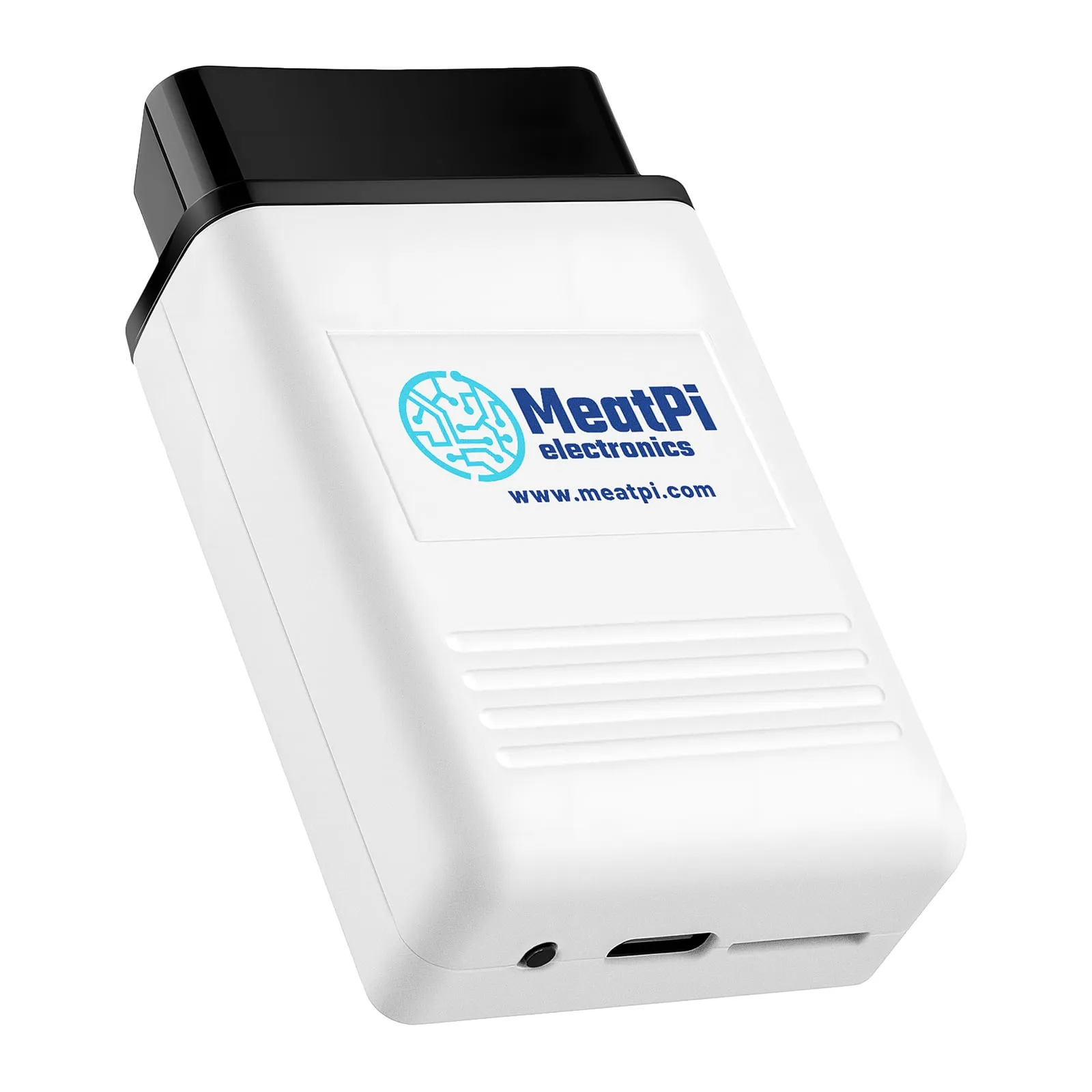
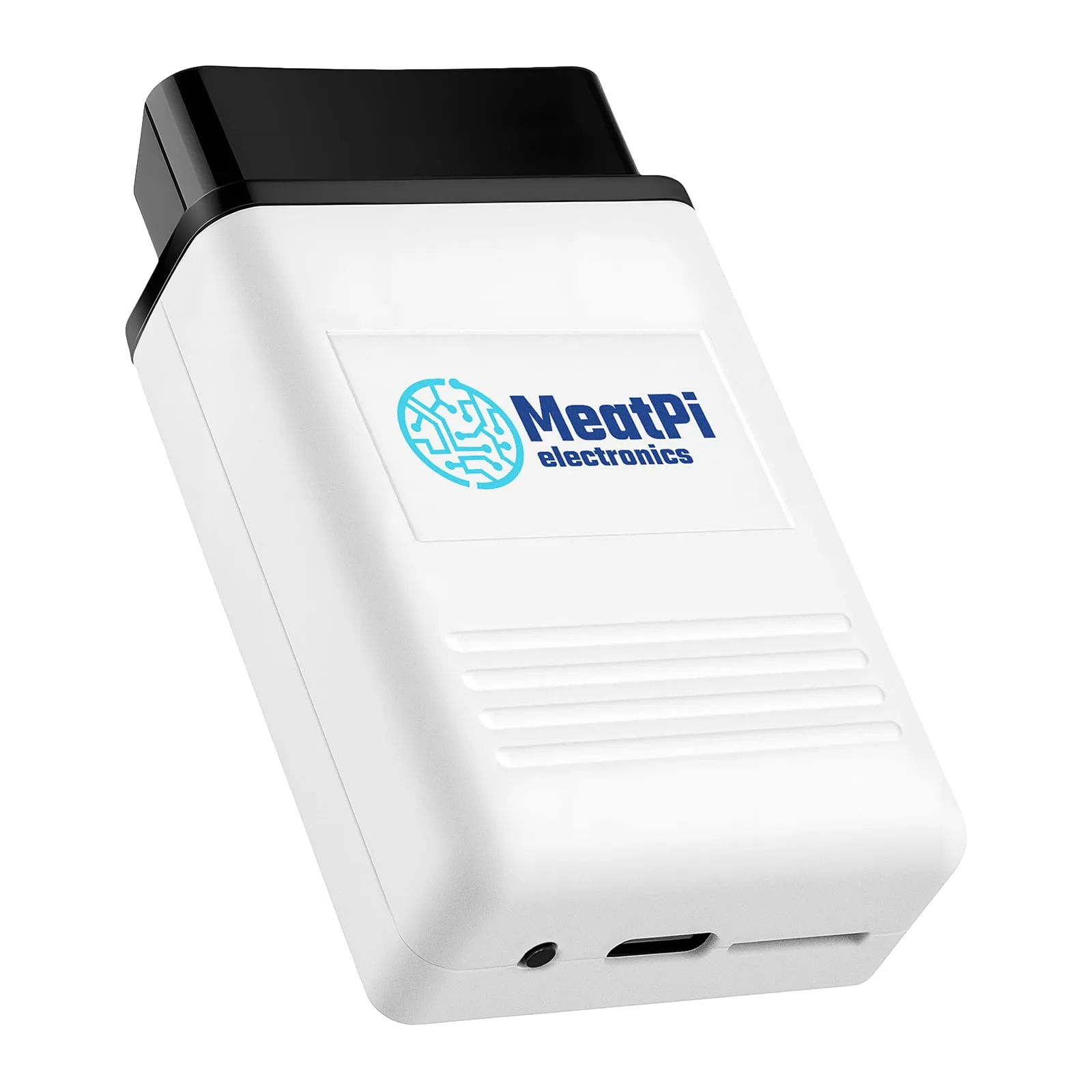
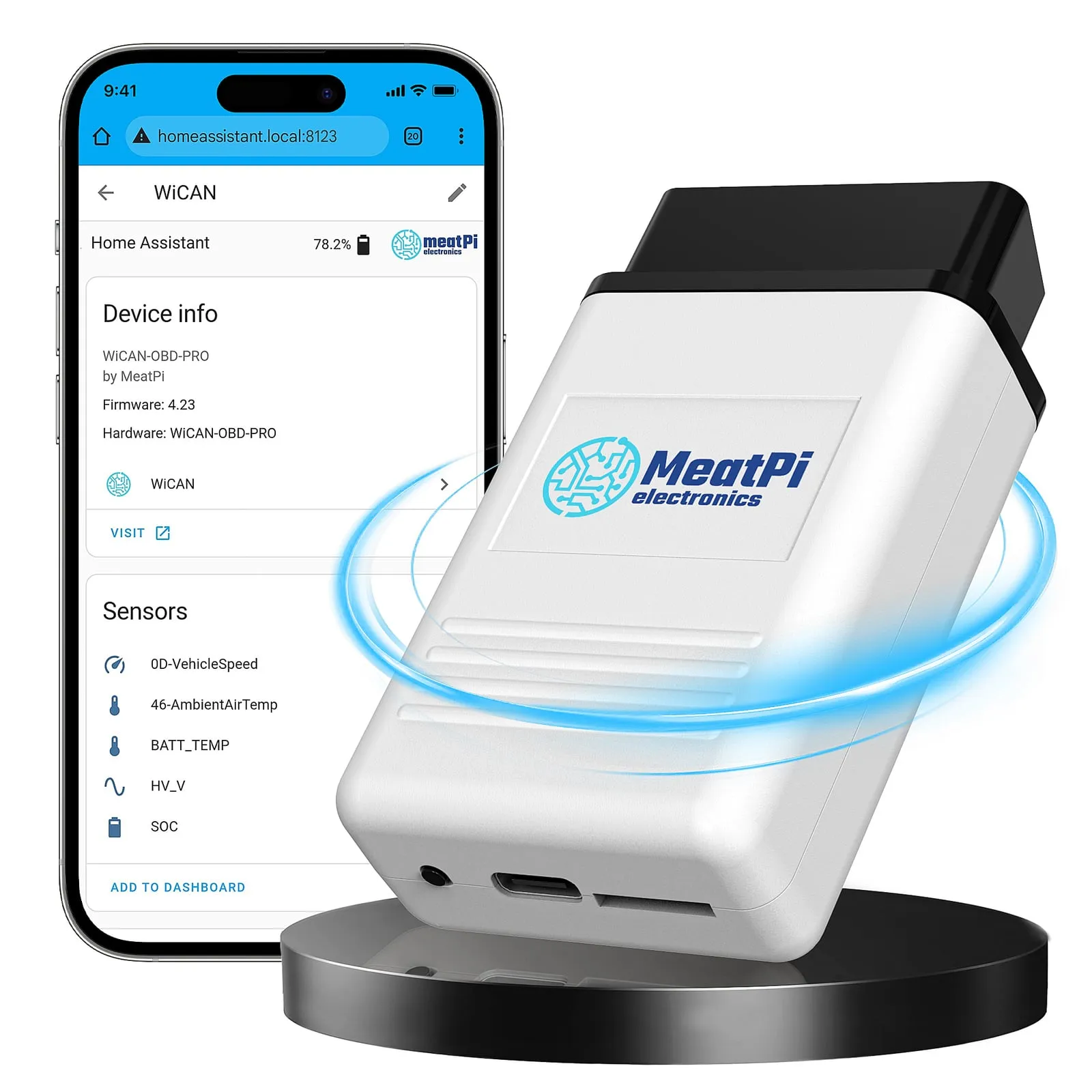
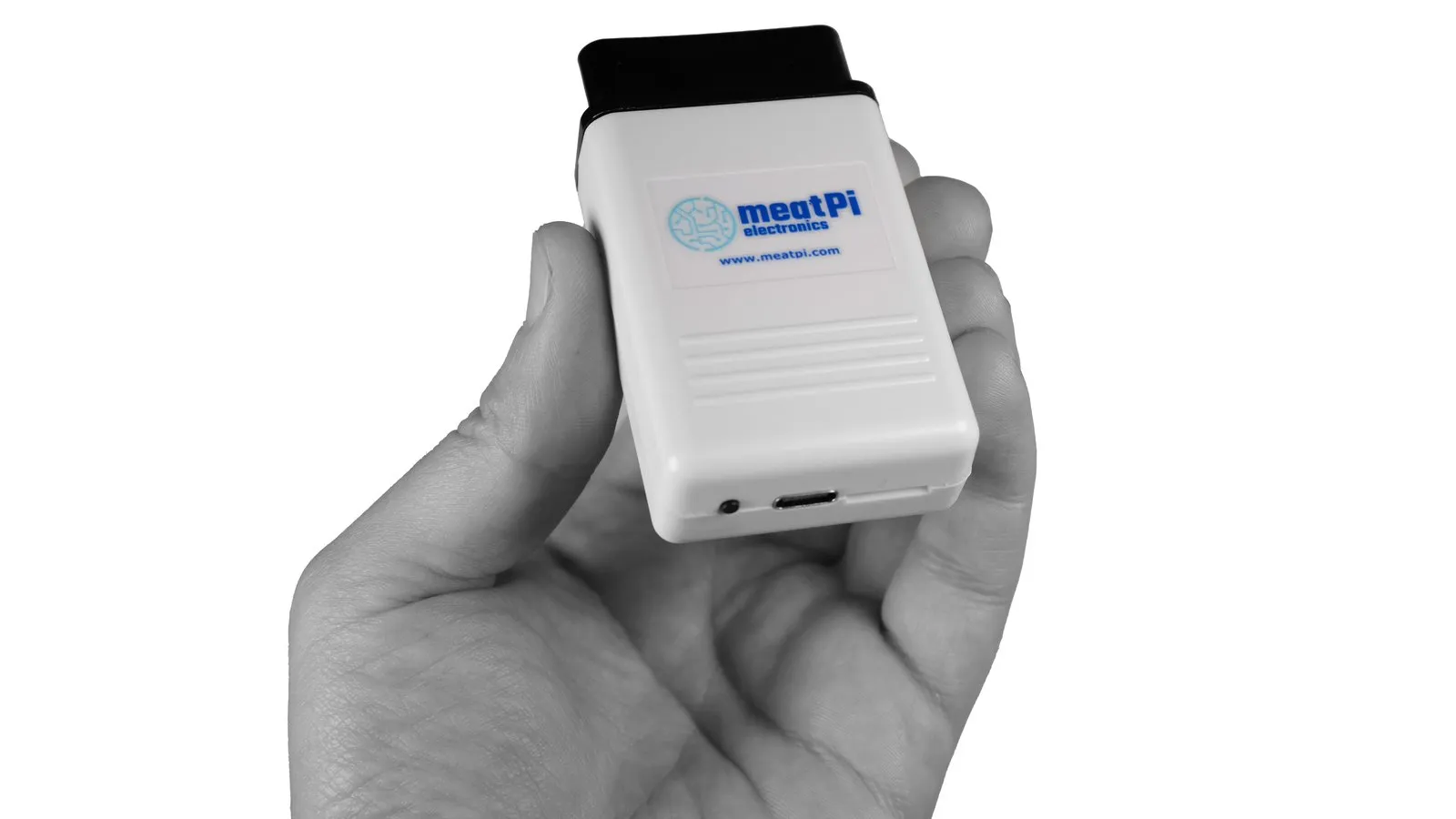
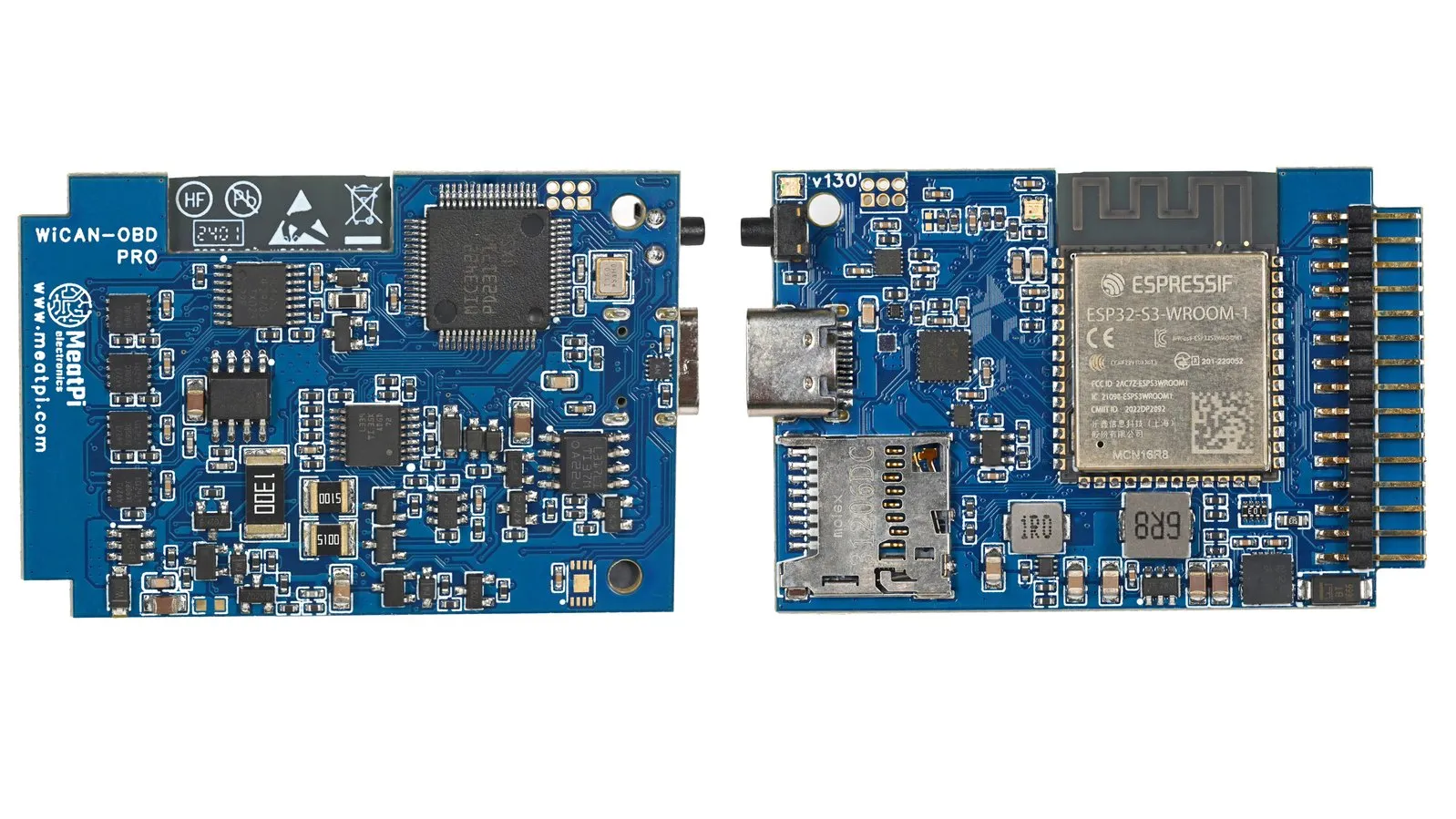
Advanced OBD scanner for next-generation vehicle diagnostics and Home Assistant integration.
Works with
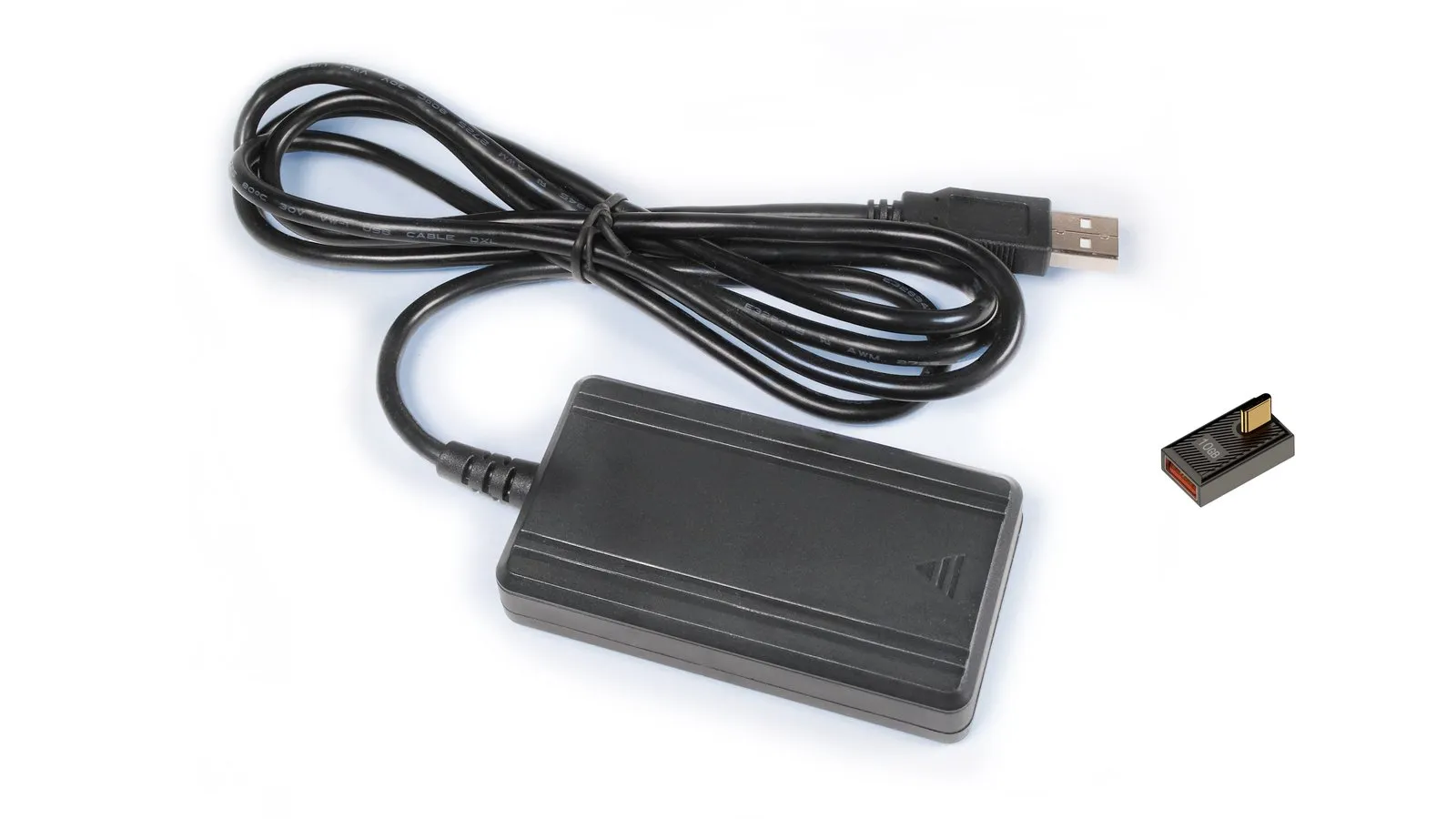
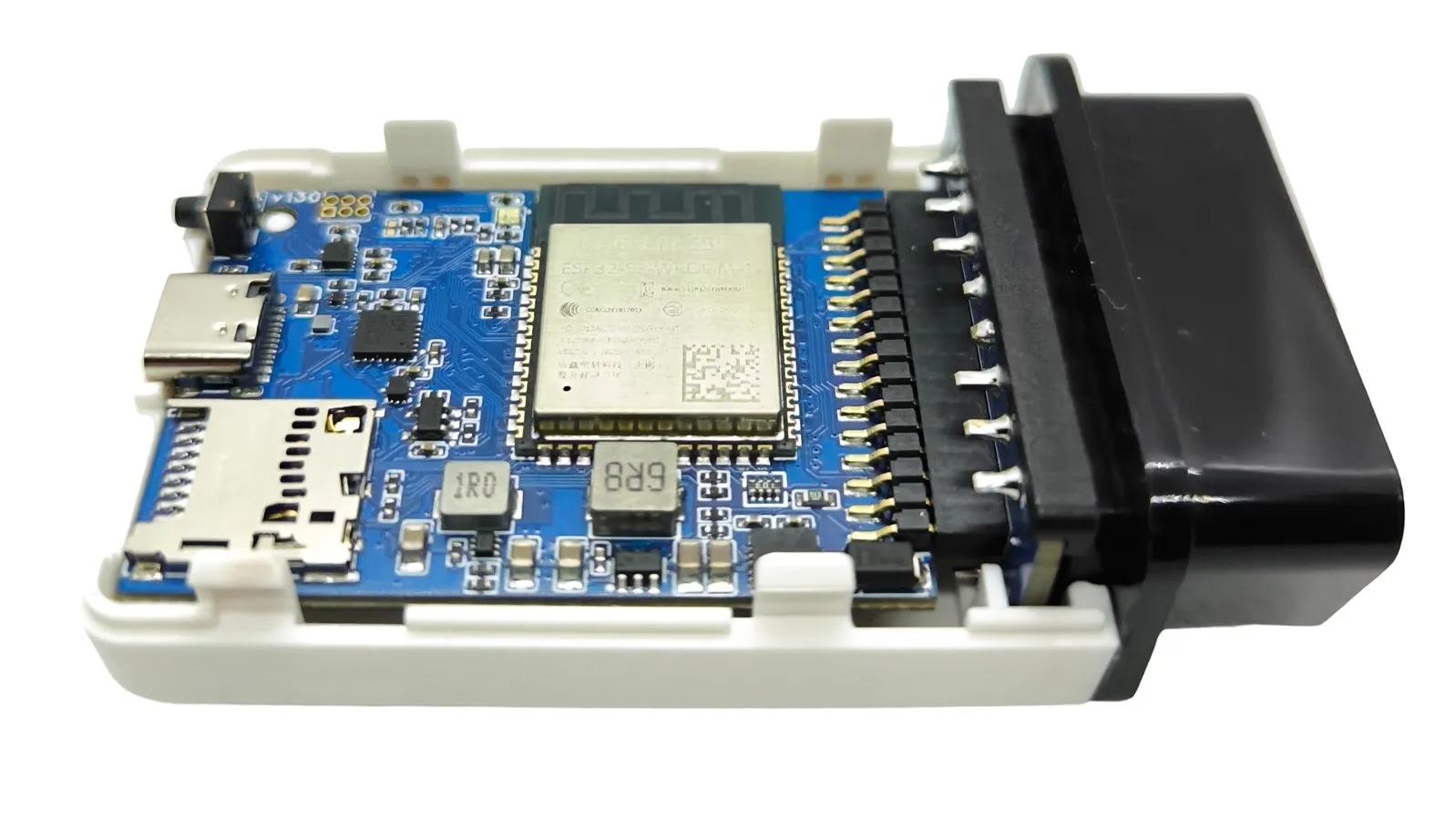
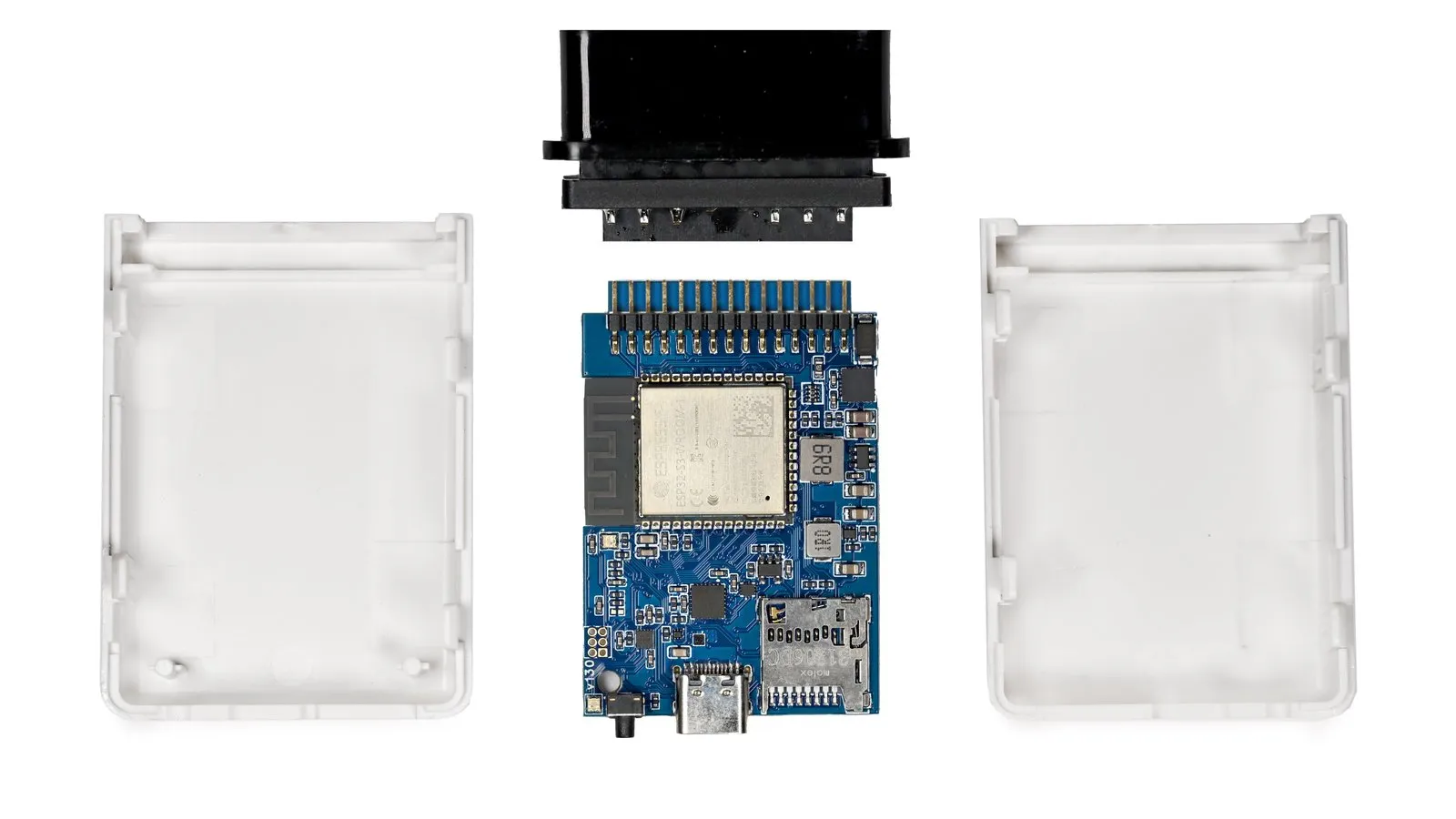
WiCAN PRO pairs an ESP32-S3 with a dedicated OBD interpreter chip, so it handles every legislated OBD-II protocol in hardware while the ESP32 takes care of Wi-Fi, Bluetooth LE, logging and automation. It plugs into the OBD-II port and draws its power from there. The USB-C port is for flashing and debugging, and the USB host port takes accessories.
Setup runs in a phone browser: join the WiCAN access point, open the setup page, and Quick Setup walks you through Wi-Fi, Home Assistant or MQTT, your vehicle and power saving in about six minutes, with no app to install. Everything after that, from the CAN Monitor to the rules editor, lives in the same web interface, and the open source firmware updates over the air.
Videos
Made a video about a MeatPi board? Tell us and we may feature it
Capabilities
One entity per vehicle parameter, a location tracker from GPS and diagnostic sensors for the device itself. The integration finds WiCAN on your network, and from then on the device pushes.
In the manualPolls the car for RPM, speed, temperatures or state of charge and turns the answers into named parameters. Community profiles unlock the EV and hybrid data that standard OBD does not expose.
In the manualReads the codes every ECU stores, shows descriptions from a code database and clears them on request. Scans can run on a schedule, and a new code can fire a rule.
In the manualListens to SAE J1939 broadcasts and asks for WWH-OBD (ISO 27145) emission data over UDS, both on the same bus at the same time.
In the manualRecords parameters to the SD card as SQLite, CSV or JSON lines, and raw CAN frames as MDF4, Vector BLF, candump or ASC, with file rotation and a dashboard that reads the history back.
In the manualOne MQTT connection with TLS for Node-RED, Grafana or a fleet server, plus up to eight push destinations, from HTTP and HTTPS endpoints to ABRP for EV route planning.
In the manualAn ELM327 Wi-Fi adapter for Car Scanner and Torque out of the box, and a RealDash, SavvyCAN or slcan device over Wi-Fi or Bluetooth when you want one.
In the manualDiagnostic and reflash software on a Windows PC drives the car's CAN bus through WiCAN over USB, Wi-Fi or Bluetooth, on CAN and ISO 15765 channels.
In the manualA CAN analyzer in the browser laid out like PCAN-View, with DBC decoding, a trace and bus load, and a UDS tool that sends ISO 14229 requests by hand and decodes the answers.
In the manualWhen the battery drops, publish an alert. When a code appears, turn the LED red. Rules run on the device itself, and Berry scripts handle what a rule cannot say in one line.
In the manualESPNetLink for LTE and GPS away from home, a USB Ethernet adapter for a wired network, or a USB GPS receiver. The same port is a serial console and can make WiCAN a USB network device.
In the manualReads the 12 V battery. Below a sleep voltage for a few minutes it sleeps, above a wake voltage it wakes, with periodic wake-ups while the car is parked.
In the manualCompare
Both run the open source WiCAN firmware. WiCAN PRO adds a dedicated OBD interpreter for the protocols beyond CAN, a USB host port, SD card logging and encrypted connections. The OBDLink MX+ column is there for reference.
| Feature | WiCAN PRO | WiCAN | OBDLink MX+ for reference |
|---|---|---|---|
| USB and hardware | |||
| USB host interface | Yes | No | No |
| Dual USB to serial | Yes | No | No |
| Button | Yes | No | Yes |
| SD card logging | Yes | No | No |
| Connectivity and software | |||
| Interface | Wi-Fi, BLE, USB | Wi-Fi, BLE | Bluetooth |
| WiCAN firmware | Yes | Yes | No |
| WireGuard VPN | Yes | No | No |
| HTTPS | Yes | HTTP only | Not applicable |
| MQTTS (secure MQTT) | Yes | MQTT only | Not applicable |
| Home Assistant Nabu Casa | Yes | No | No |
| Firmware updates with the latest features | Full | Limited | Not applicable |
| Improved web interface | Yes | No | Not applicable |
| Additional reverse engineering tools | Yes | No | Not applicable |
| RealDash CAN protocol (pins 6 and 14) | Yes | Yes | No |
| slcan and SocketCAN (pins 6 and 14) | Yes | Yes | No |
| Protocols | |||
| Medium speed CAN, MS-CAN (pins 3 and 11) | Yes | No | Yes |
| GM high-speed J1962 (pins 12 and 13) | Yes | No | Yes |
| Single wire CAN, GMLAN (pin 1) | Yes | No | Yes |
| SAE J1850 PWM | Yes | No | Yes |
| SAE J1850 VPW | Yes | No | Yes |
| ISO 9141-2 | Yes | No | Yes |
| ISO 14230-4 slow and fast | Yes | No | Yes |
| Instruction sets | |||
| ELM327 instructions | v2.3 | Emulation v1.5 | v2.3 |
| ELM329 instructions | v2.2 | No | v2.2 |
| STN instructions | Yes | No | Yes |
| VT instructions | Yes | No | No |
| Price | |||
| Price (USD, before shipping) | $89 | $42 | $139.95 |
Prices in USD before shipping, as listed by each seller. Scroll the table sideways on a phone.
Specifications
Documentation
Goes with
LTE Cat-M1 and GNSS module that plugs into WiCAN PRO: vehicle tracking and a WireGuard tunnel into Home Assistant.
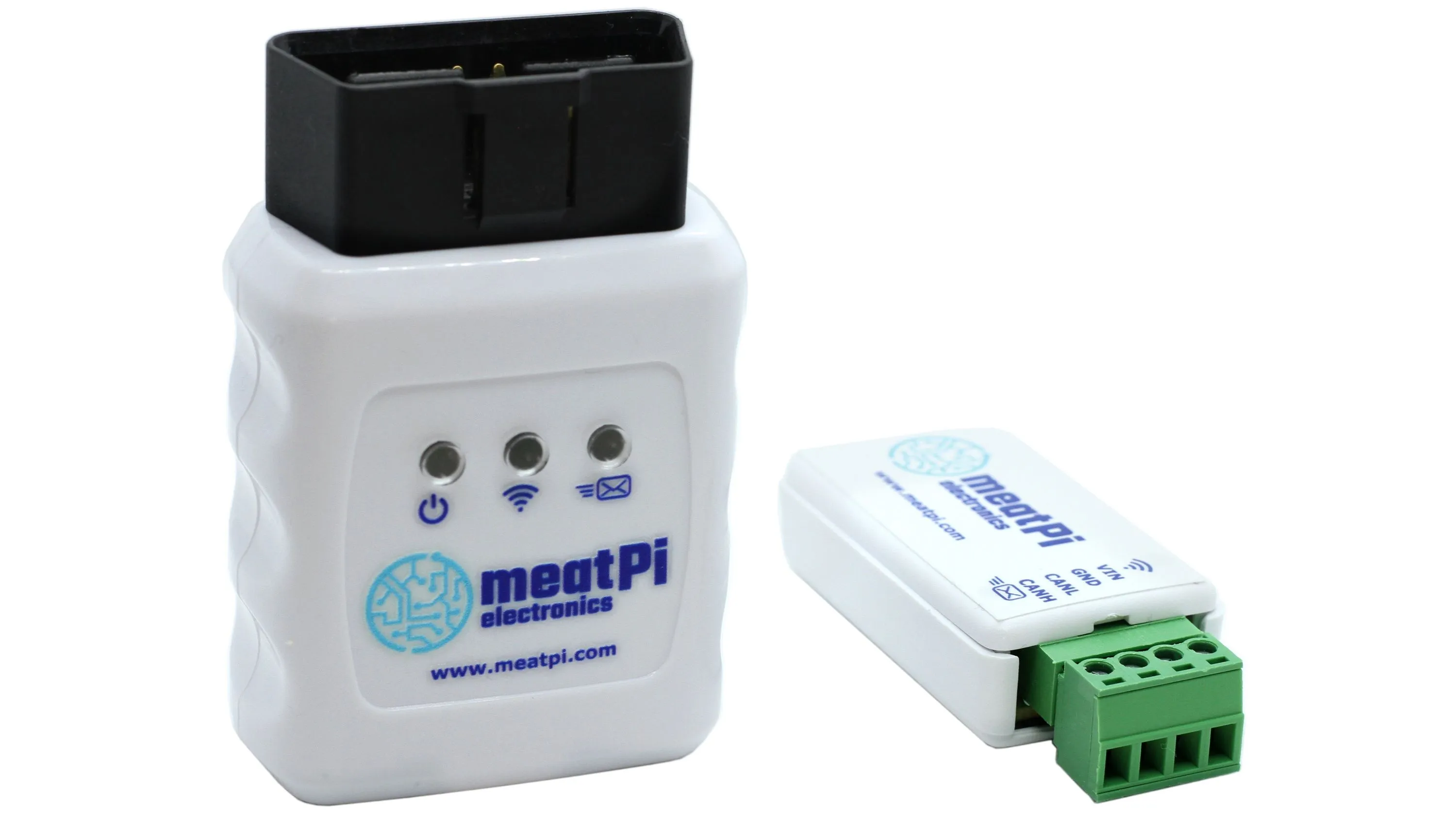
ESP32-C3 OBD-II adapter with Wi-Fi, BLE and USB. Choose the OBD-II plug or the USB version with screw terminals.